


Page 15 - December_Newsletter_2017
P. 15
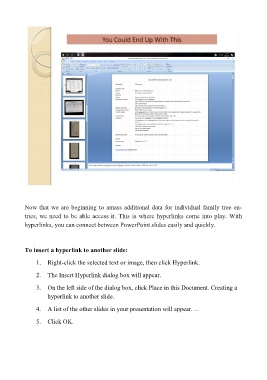
You Could End Up With This


         Now that we are beginning to amass additional data for individual family tree en-
         tries, we need to be able access it. This is where hyperlinks come into play. With
         hyperlinks, you can connect between PowerPoint slides easily and quickly.


         To insert a hyperlink to another slide:

            1.  Right-click the selected text or image, then click Hyperlink.
            2.  The Insert Hyperlink dialog box will appear.

            3.  On the left side of the dialog box, click Place in this Document. Creating a
                hyperlink to another slide.

            4.  A list of the other slides in your presentation will appear. ...
            5.  Click OK.

