


Page 9 - October_Newsletter_2017
P. 9
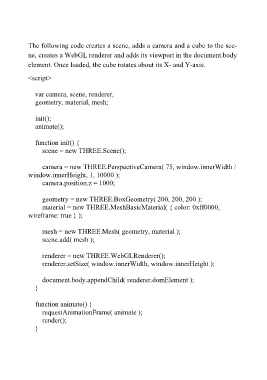
The following code creates a scene, adds a camera and a cube to the sce-
          ne, creates a WebGL renderer and adds its viewport in the document.body
          element. Once loaded, the cube rotates about its X- and Y-axis.
          <script>

              var camera, scene, renderer,
              geometry, material, mesh;

              init();
              animate();

              function init() {
                  scene = new THREE.Scene();

                  camera = new THREE.PerspectiveCamera( 75, window.innerWidth /
          window.innerHeight, 1, 10000 );
                  camera.position.z = 1000;

                  geometry = new THREE.BoxGeometry( 200, 200, 200 );
                  material = new THREE.MeshBasicMaterial( { color: 0xff0000,
          wireframe: true } );

                  mesh = new THREE.Mesh( geometry, material );
                  scene.add( mesh );

                  renderer = new THREE.WebGLRenderer();
                  renderer.setSize( window.innerWidth, window.innerHeight );

                  document.body.appendChild( renderer.domElement );
              }

              function animate() {
                  requestAnimationFrame( animate );
                  render();
              }

