


Page 11 - May_Newsletter_2017
P. 11
Although some OCR engines are better than others, no software can guar-
          antee 100% accuracy. This is because there are other factors in play, in-
          cluding scan quality. Recognition software will not be able to do its work
          if the scanner is not properly digitizing the page.

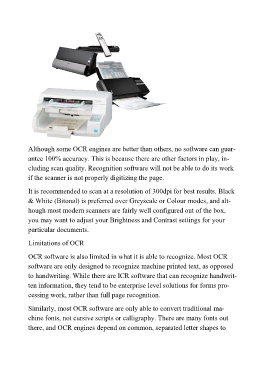
          It is recommended to scan at a resolution of 300dpi for best results. Black
          & White (Bitonal) is preferred over Greyscale or Colour modes, and alt-
          hough most modern scanners are fairly well configured out of the box,
          you may want to adjust your Brightness and Contrast settings for your
          particular documents.

          Limitations of OCR

          OCR software is also limited in what it is able to recognize. Most OCR
          software are only designed to recognize machine printed text, as opposed
          to handwriting. While there are ICR software that can recognize handwrit-
          ten information, they tend to be enterprise level solutions for forms pro-
          cessing work, rather than full page recognition.

          Similarly, most OCR software are only able to convert traditional ma-
          chine fonts, not cursive scripts or calligraphy. There are many fonts out
          there, and OCR engines depend on common, separated letter shapes to

